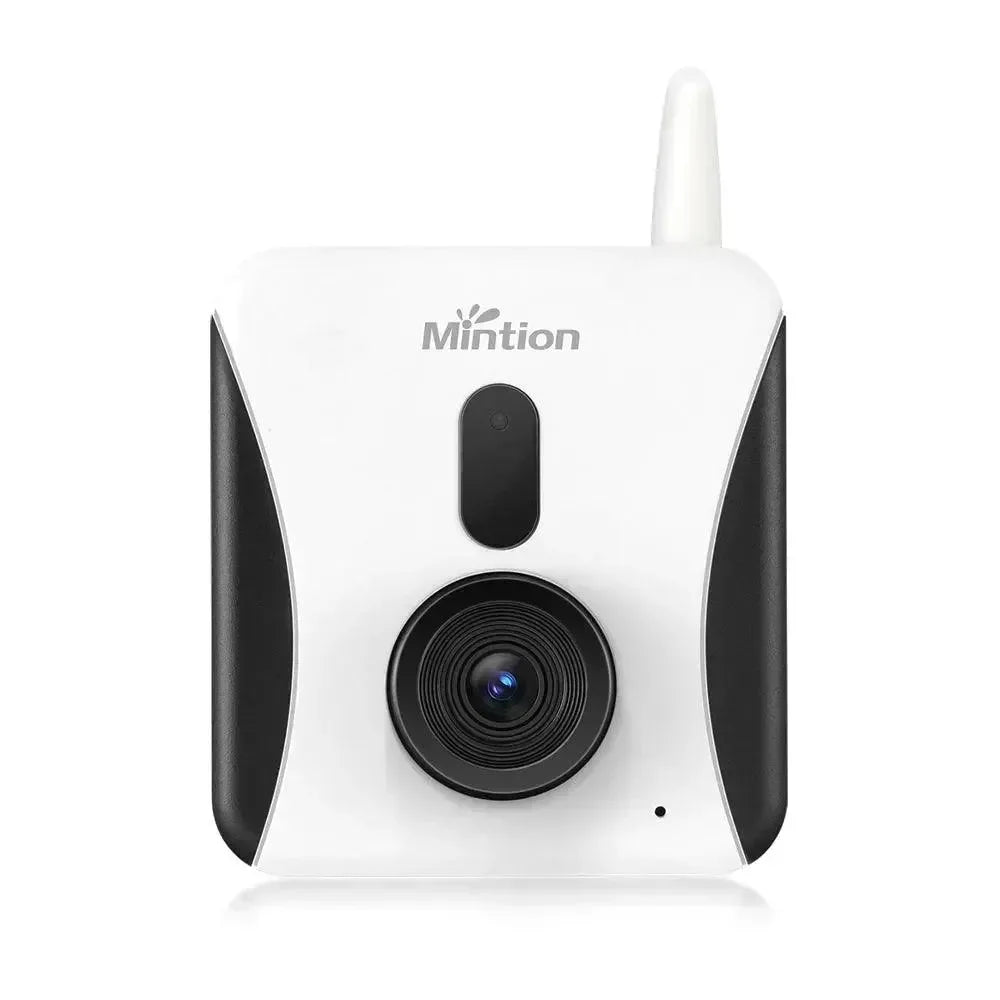
Mintion Lasercam For Laser Engravers/Cutters
Mintion Lasercam For Laser Engravers/Cutters
Couldn't load pickup availability


This laser camera is specially designed as a stand-alone product with multiple laser engraver/cutting functions and is compatible with major popular brands of diode laser engravers (such as xTool, Atomstack, Sculpfun, Twotree, Ortur, Creality, NEJE, Longer, etc.), complies with the GRBL protocol with Lightburn And LaserGRBL.
- Plug & Play, easy to use
- Remotely monitor and control your laser engraver/cutter
- Offline engraving/cutting to free up your computer and protect your eyes
- Precise positioning in Lightburn
- Automatically generate timelapse videos for engraving/cutting work
- Manual focus of the camera lens for better viewing
- BeagleEngraver app for remote access anytime, anywhere
- Support PC browser to monitor and control the laser engraver/cutter
- Fire detection and alarm and warning message via push on the app
- Normal recording and playback to save evidence in case of accidents
- 1080P resolution for video streaming
- Dual band 2.4GHz and 5GHz WiFi for wireless connection
- Come with a support bracket for positioning and a tripod for viewing from different angles
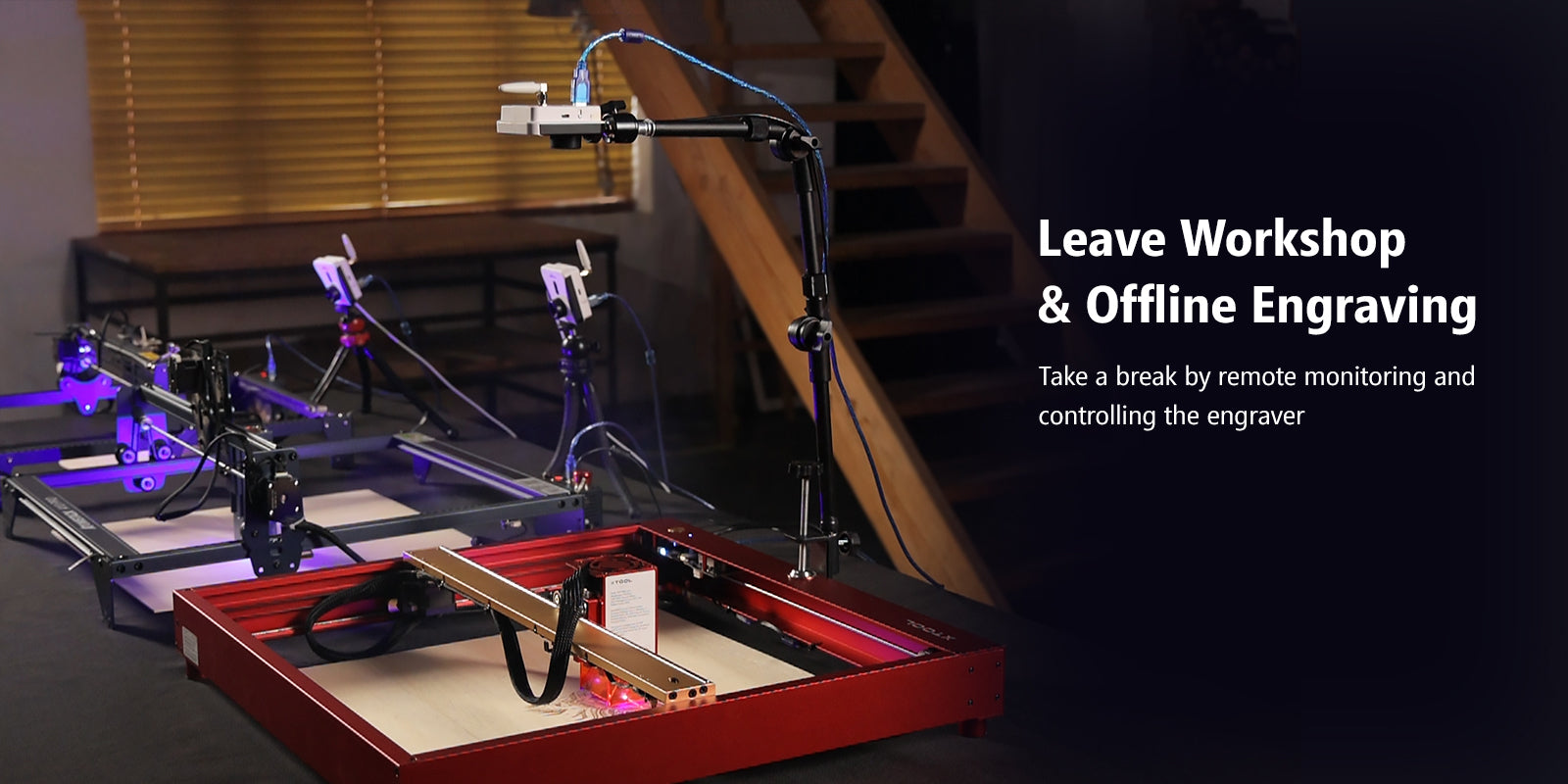
Offline engraving/cutting and multi-device management
Frees up your computer for offline engraving/cutting and you can use/manage multiple laser engravers at the same time
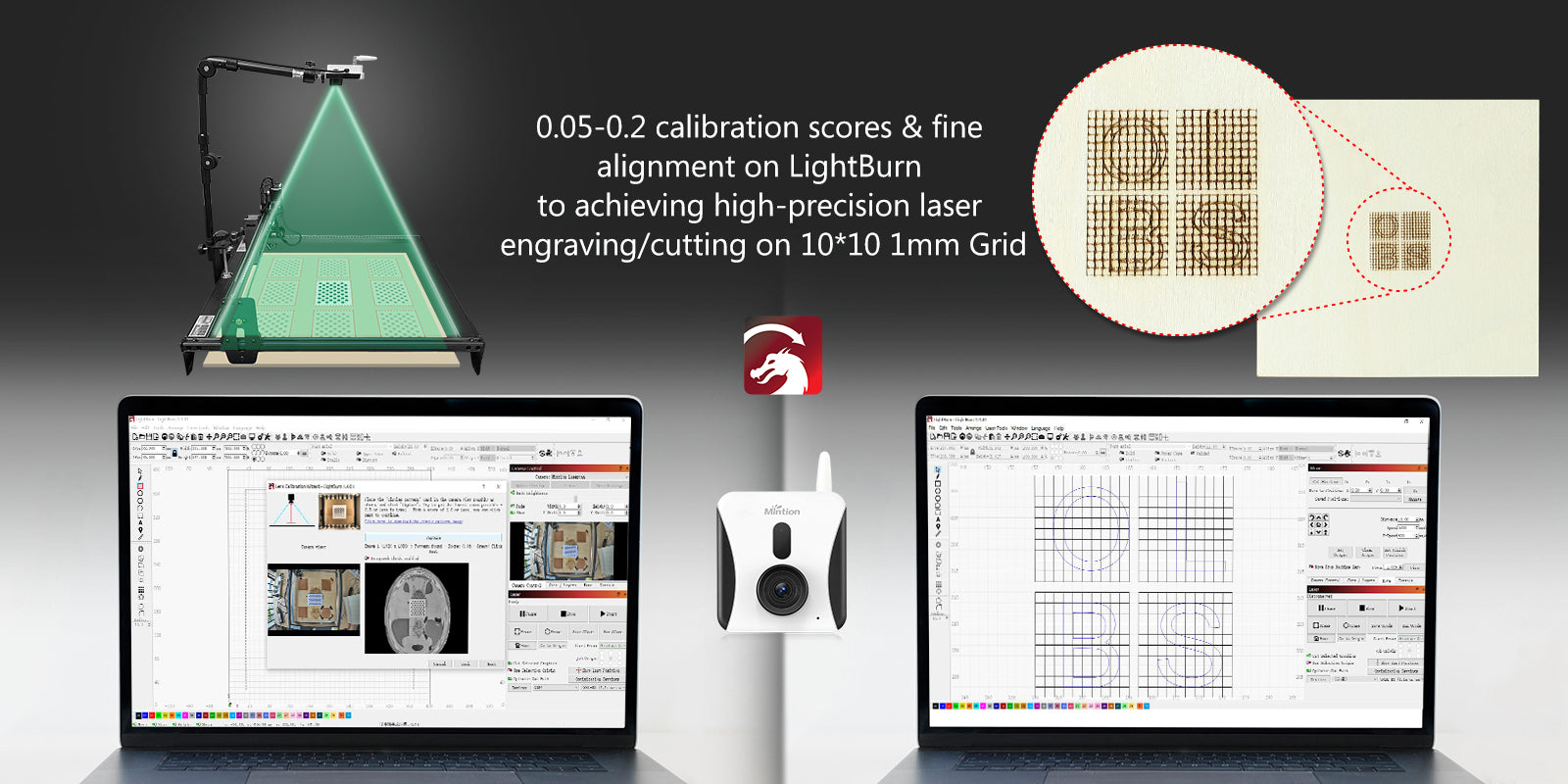
High precision engraving/cutting
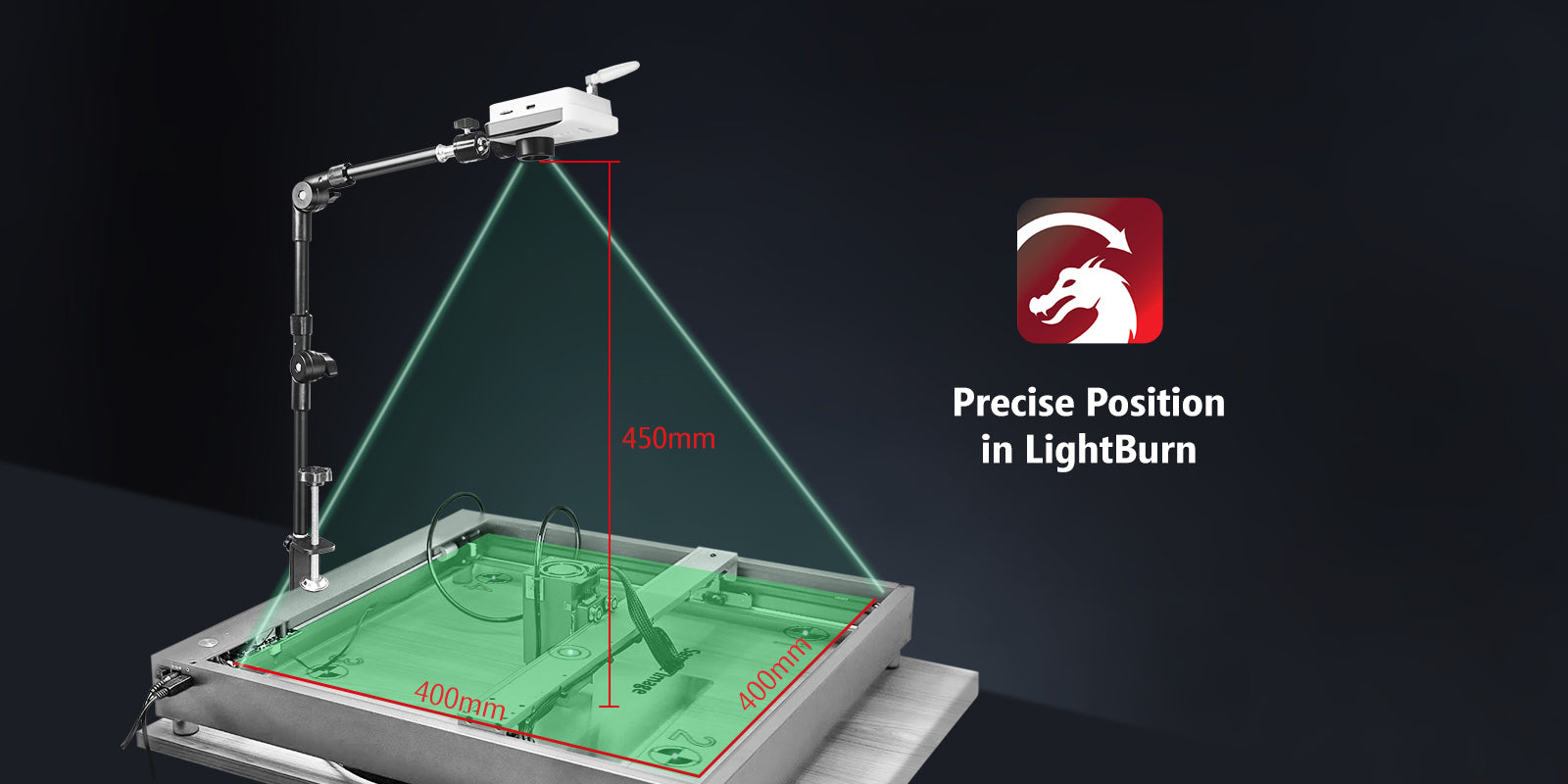
With the Mintion laser camera, the calibration score is 0.05-0.2 on Lightburn; Even after precise alignment, high precision engravings/cuts can be achieved.
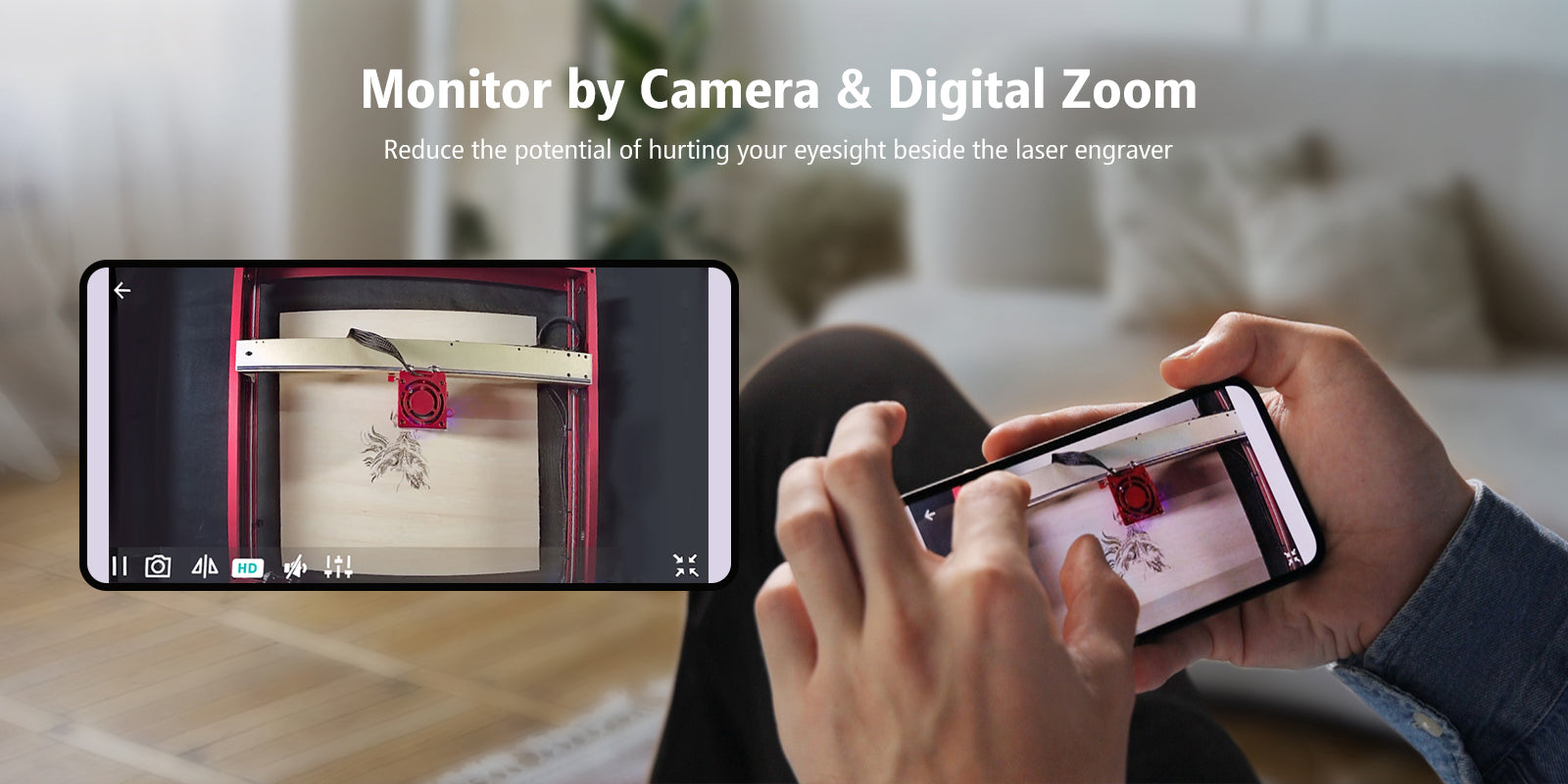
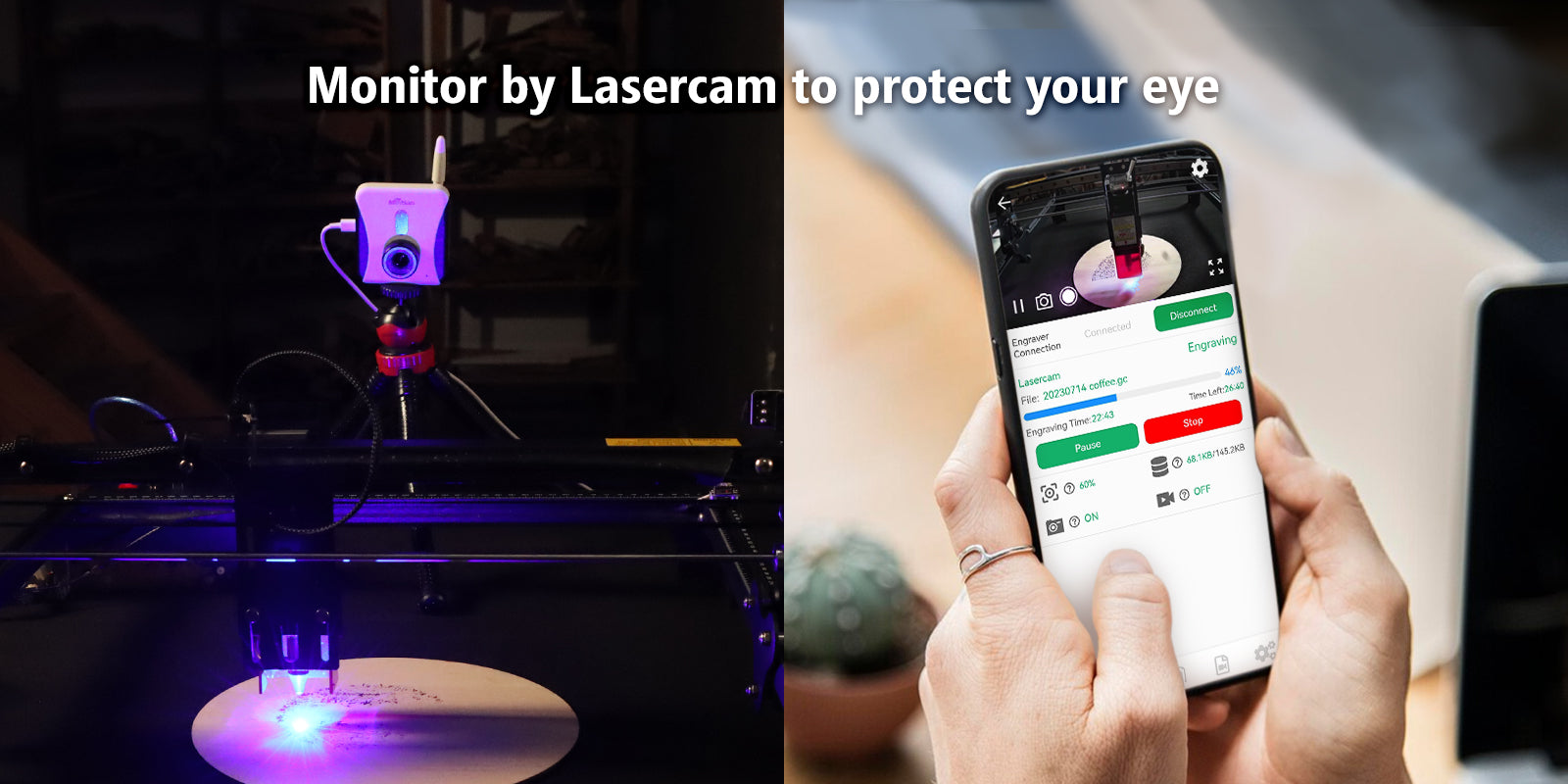
Remotely monitor the ongoing project
With BeagleEngrave, you can easily observe the work in progress and digitally zoom the video to check the details
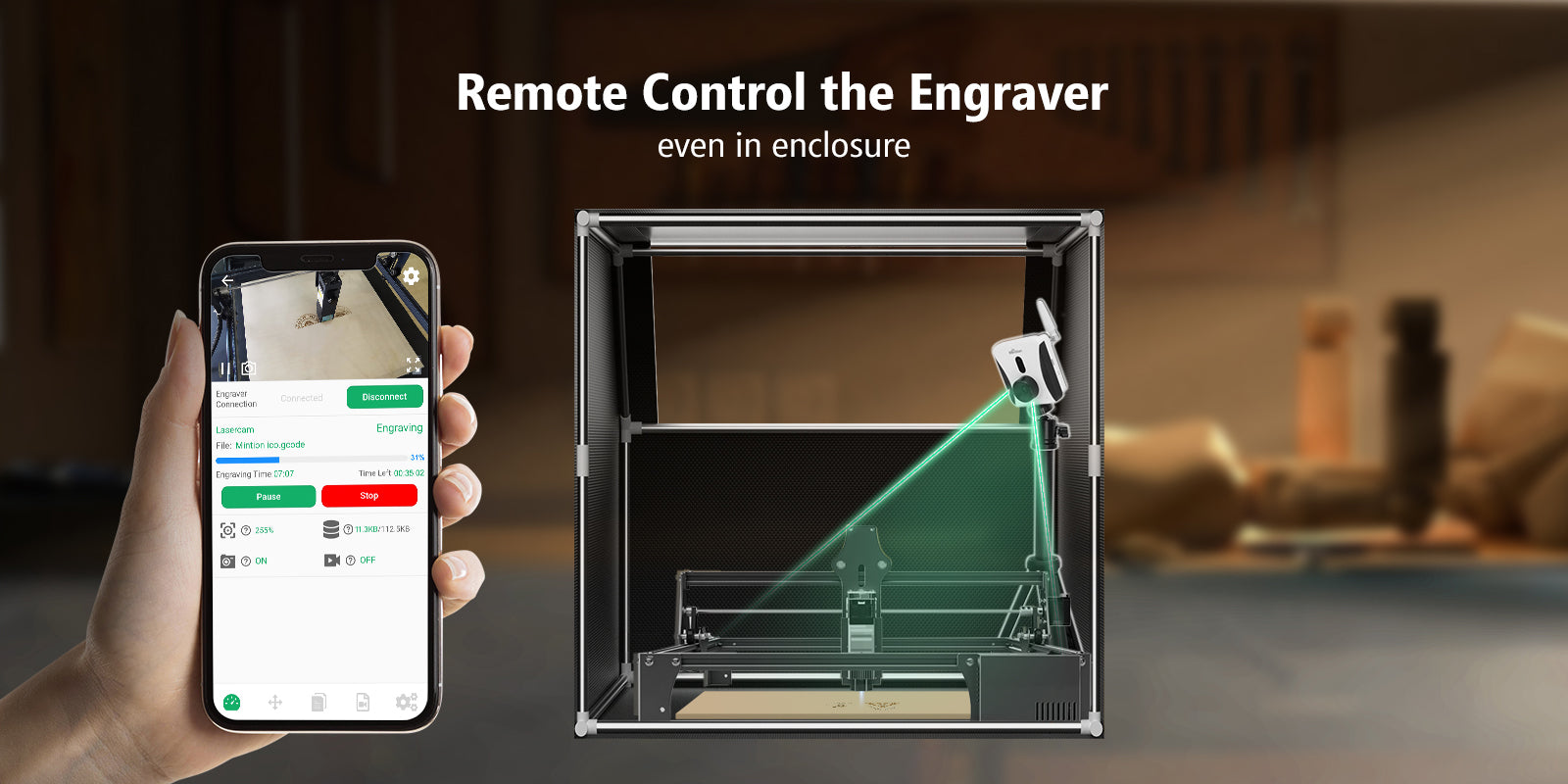
Remotely control the engraver
You can easily inspect the artwork and check the engraving at your fingertips, even if it's in the case
Works like LightBurn camera
The Lasercam can connect to your computer and works as a LightBurn camera for positioning and tracking
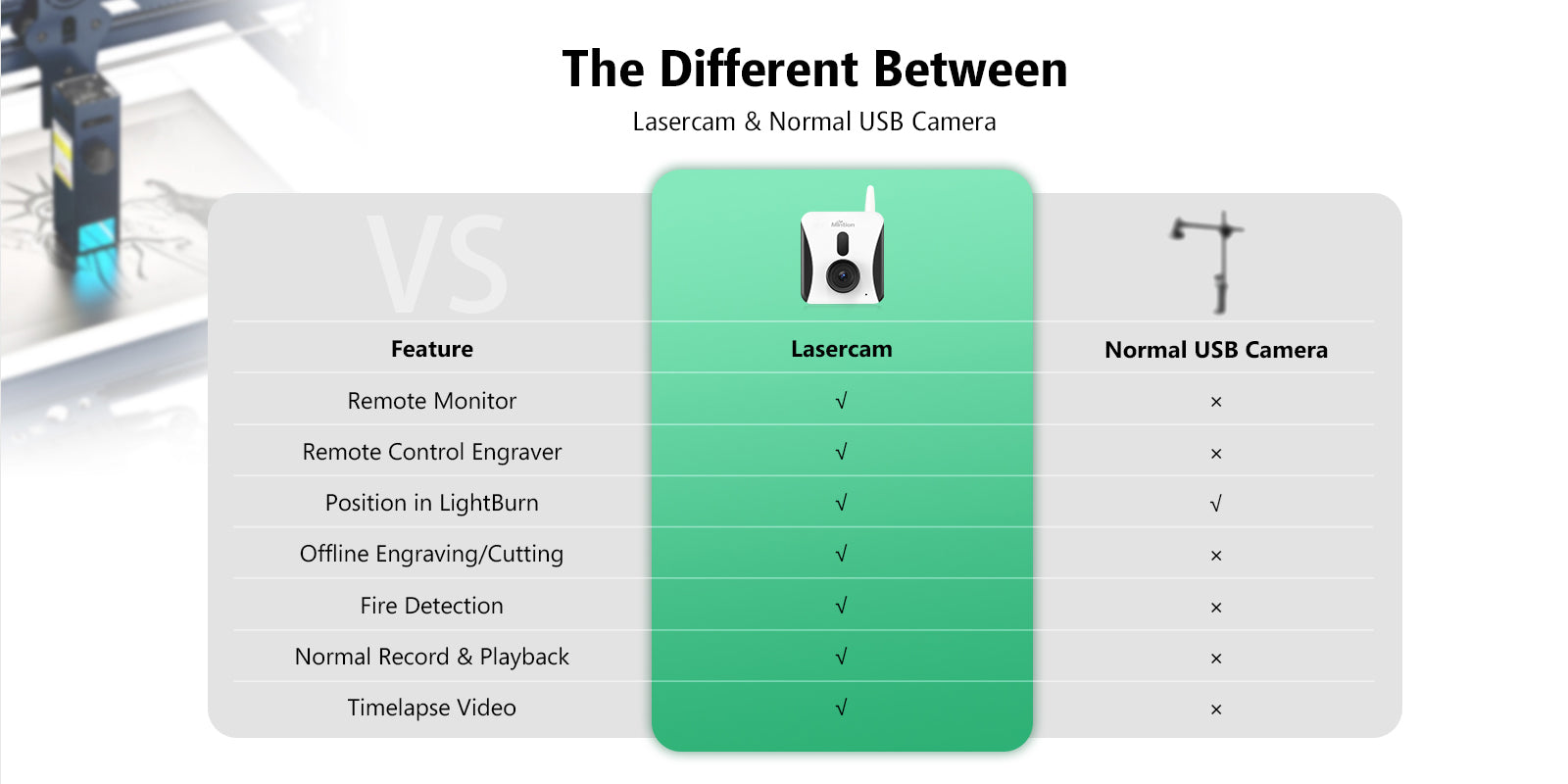
More than one camera for multiple functions
The Lasercam is specially designed for engraving/laser cutting and not just as a normal USB camera
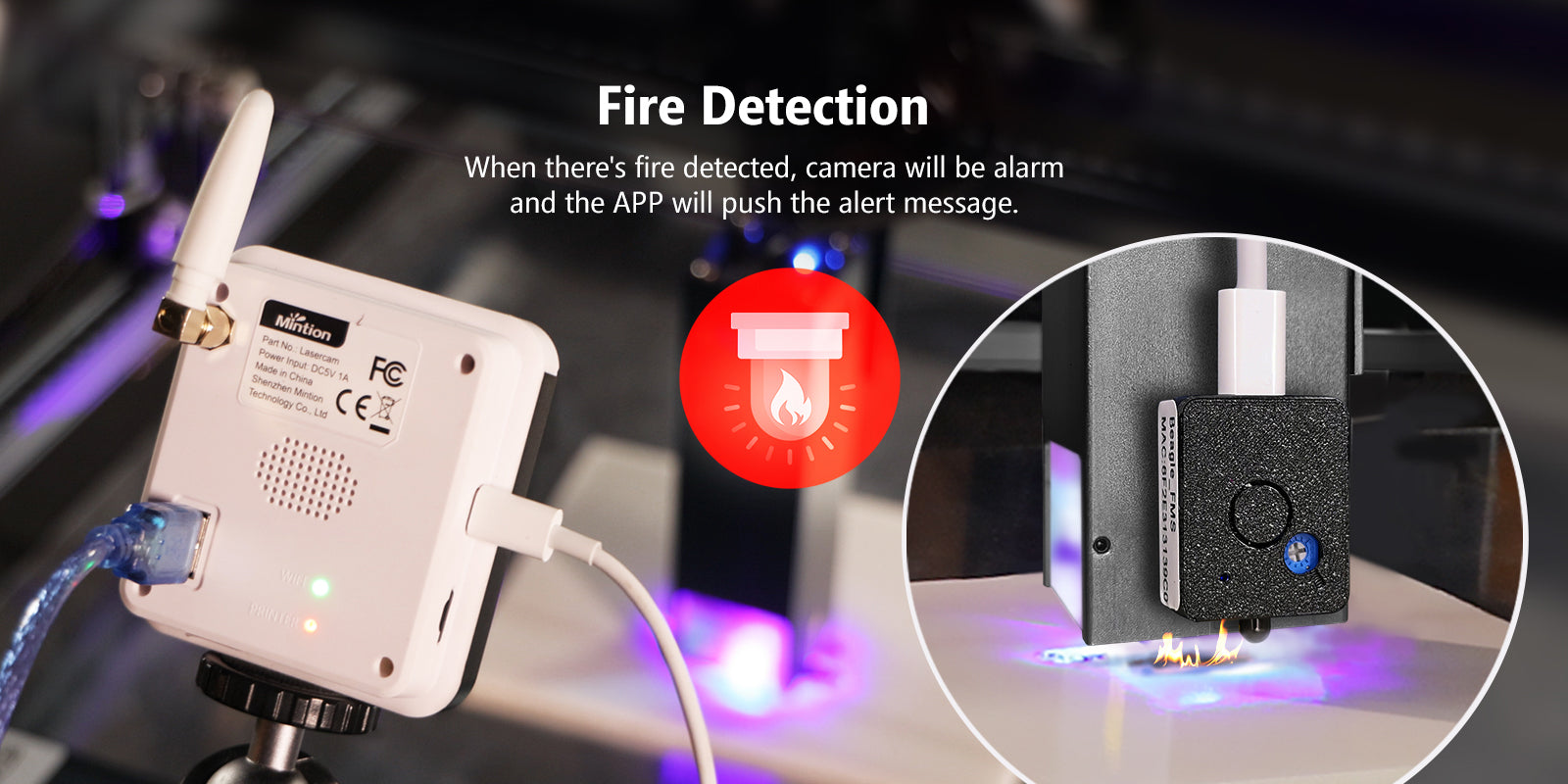
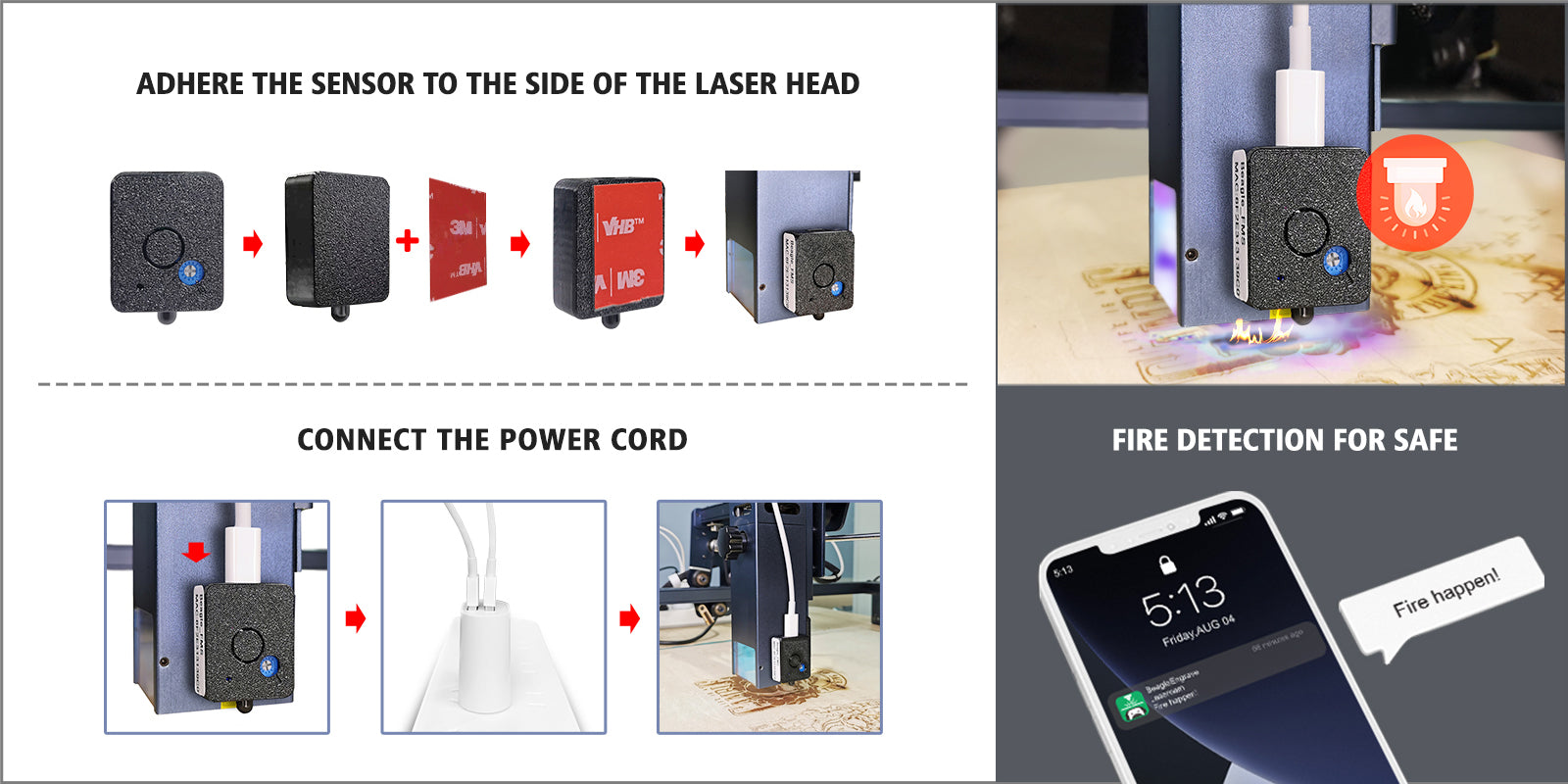
Fire detection for safety
When the flame detector detects a flame, the camera will send the command to stop the engraver and move the laser module to the side, then Lasercam will sound an alarm and send the warning message to your phone to ensure safety.
Use on your browser
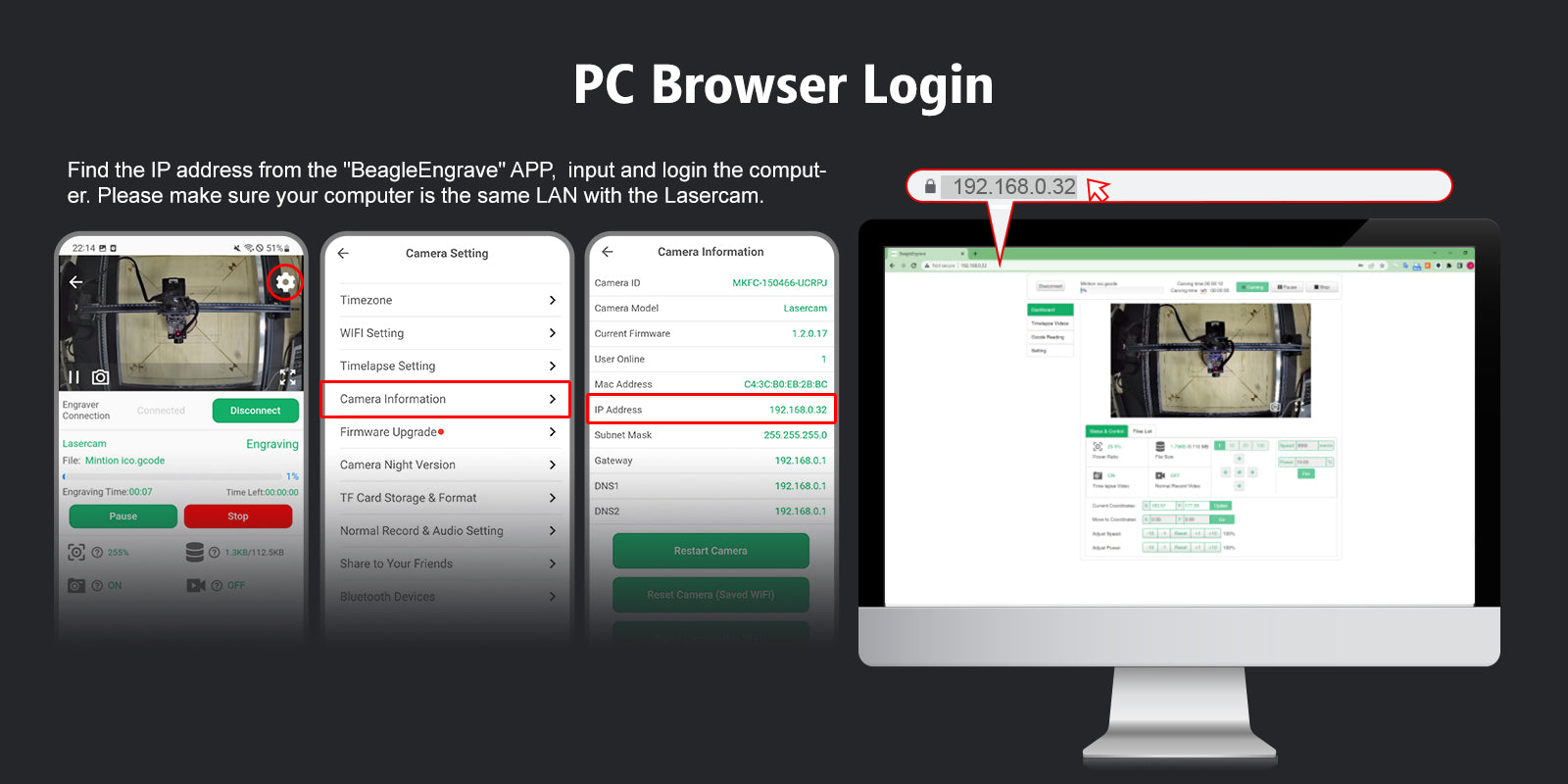
Besides the BeagleEngrave app, you can also use the camera access on your browser and load gcode easily
Engraving status with real-time inquiry
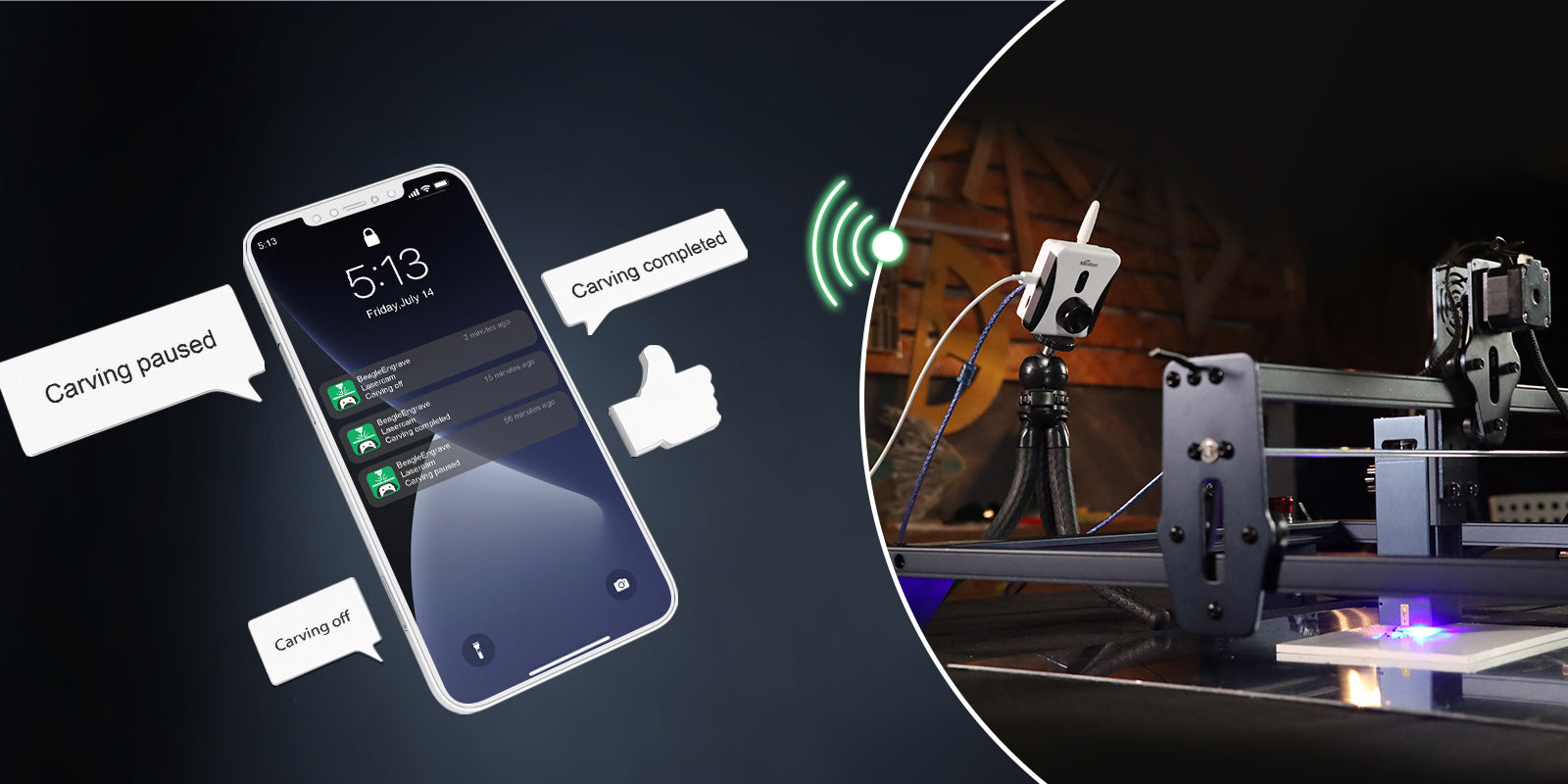
When engraving/cutting is paused/stopped/completed, the BeagleEngrave app will send a real-time message to let you know the status at the first time.
Find out what they said
Create time-lapse videos with fun
Three different timelapse video modes to generate video automatically
Clean time-lapse videos
The laser module will be automatically moved every 5 seconds (default) to create a timelapse video as if the artwork is self-growing.
Normal accelerated video
The camera will capture the image every 5 seconds (default), but will not move the laser module. The laser module will be inside the video.
Time-lapse video with timer
This mode allows you to create timelapse videos even without connecting to the engraver. You can set capture times as your camera to make timelapse videos.
Laser Engraver/Cutter Compatible List
Lasercam camera compatible with the main most popular engravers on the market and the list will be updated regularly
ATOMSTACK
A5 M30 / A5 M40 / A5 M50 / A5 M50 Pro / A5 Pro / A5 Pro+ / A10 Pro / A20 Pro / A30 Pro / A40 Pro / P9 M40 / P9 M50 / P7 M30 / P7 M40 / P9 M50 / S10 PRO / S20 Pro / S30 Pro / S40 Pro / X7 / X7 Pro / X20 Pro / X30 Pro / X40 Pro
Aufero
AL1 / AL2
Creality
Falcon / Falcon2
Comgrow
Z1
Elegoo
Phecda
iKier
K1 Pro / K1 Pro Max / K1 Ultra
Longer
RAY5 / B1
Ortur
LM2 / LM2 S2 / LM2 Pro S2 / LM3 / LM3 LE
SCULPFUN
S6 / S6 Pro / S9 / S10 / S30 / S30 Pro / S30 Pro Max / S30 Ultra
TWOTREE
TTS / TS2 / TS3
xTool
D1 / D1 Pro
List of software
The Lasercam complies with the RGBL protocol and works perfectly with gcode files
List of compatible software
- Lightburner
-LaserGRBL
In the list of testing software
- xTool creative space
Specific
Model
Lasercam
Video compression
H.264/MJPEG
Video resolution
1080P
Night version
Black White; Color night version
Frame rate
Up to 25 fps
Automatic time-lapse video
Clean/Normal/Timer Mode
Wi-Fi connectivity
Supports 2.4GHz/5GHz
Compatibility
Engraver with GRBL and LightBurn & LaserGRBL protocol
Connect to computer
Type-C to USB cable
Connect to the engraver
USB cable
File storage
Micro SD card (default 32GB)
Upload the Gcode file
Yes, .gcode and .nc files
Source of power
DC 5V 1A
Brackets
1 stand and 1 tripod
Camera box dimensions
313*292*71 cm
Gross weight
1.5kg
Why BeagleEngrave?
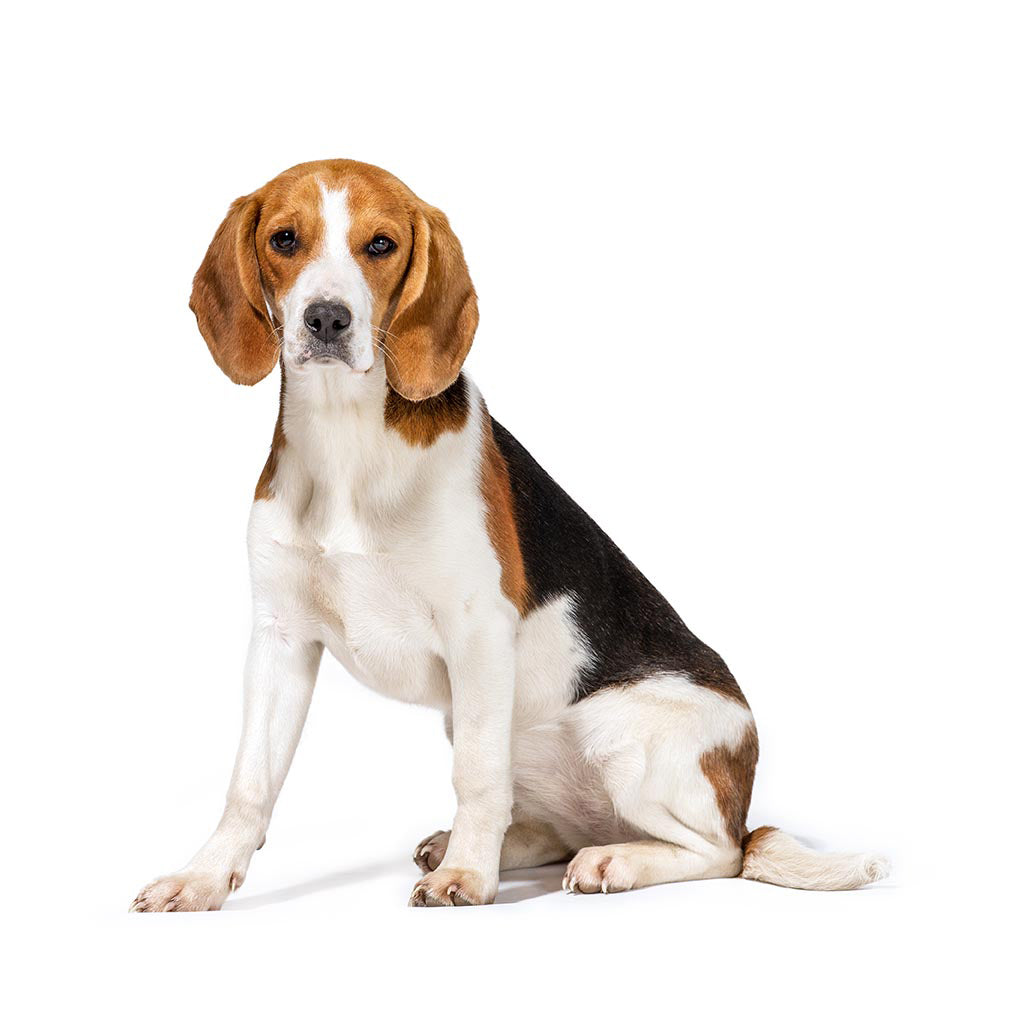
The Beagle
Guardian of Excellence
The Beagle is an excellent guard dog with a friendly character; They have reliable guarding and territorial instincts and are highly protective of family members, making them a good choice as a watchdog.
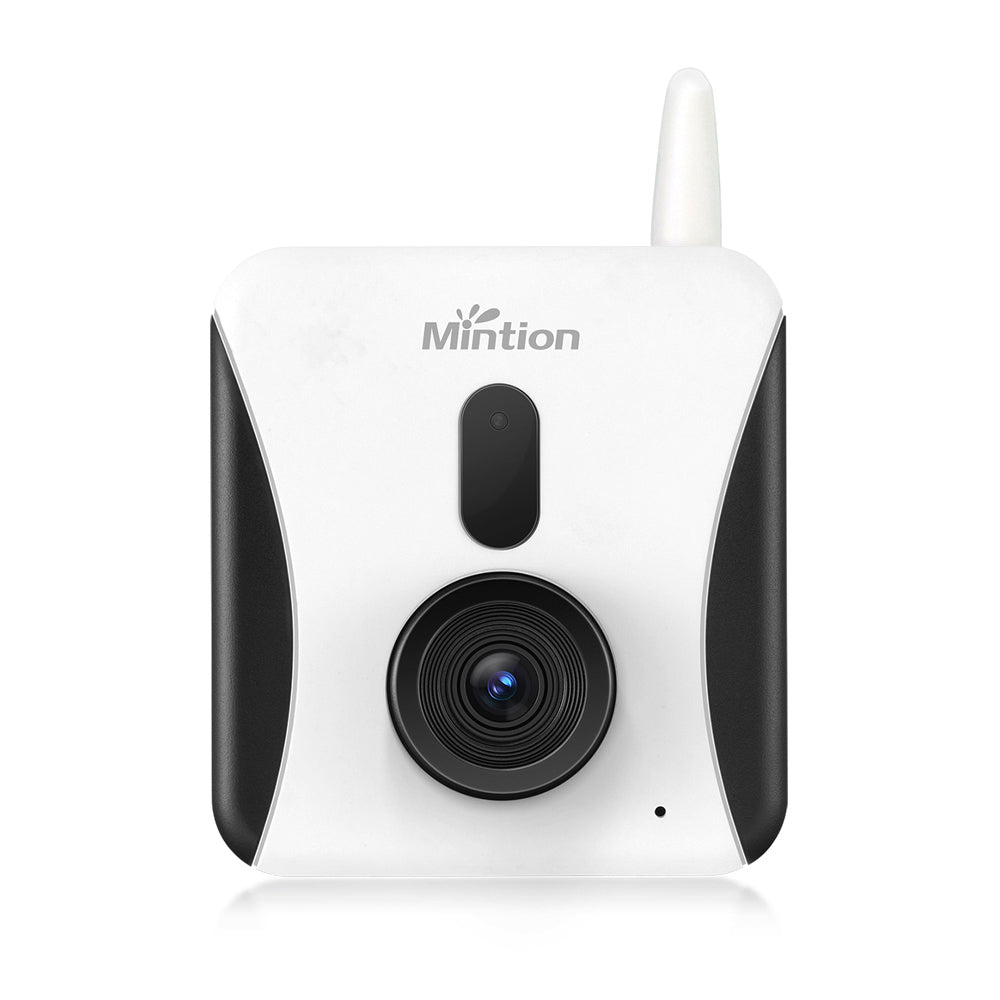
The Beagle engraving
Your engraver sentry
We imagine our Lasercam camera as a reliable companion for laser engraving/cutting, just like a faithful beagle. It offers remote monitoring and control, acting as a watchful guardian throughout the process, including fire detection. Perfectly integrated with LightBurn software, it ensures precise positioning, enhancing the engraving experience.
This versatile camera also boasts one-button automatic generation for time-lapse video, adding joy and entertainment to recording, just as beagles always find a way to bring laughter and joy.
Shipping and Warranty
Shipping and Warranty
All in-stock products will be delivered within an average of 24/48 hours.
Italian Warranty with dedicated consulting support, contact us!